As a passionate board gamer, Brass is one of my favorite games, Brass: Birmingham, in my case, and I think that by playing it I first truly started thinking about that period of civilization. Not just as some distant historical period, but more through the question of what life actually looked like for ordinary people back then, what they were facing, and how much every industrial revolution changed the world around them.
For years, you invest in horses, stables, quality carriages, you train people, and then suddenly the railway appears and offers transport capacity on a completely different level: much bigger, much faster, and at a better price for the end user. And that is how the world kept changing, while everyone who was part of that world had to adapt.
For me personally, AI is exactly that kind of industrial revolution. Whether we like it or not, it is simply happening. It is here, it is present, and it will not go away.
For most of us in this sector, things have not changed in some essential way. We still go to work every day and, using modern technologies, create different digital products based on client requirements. Those products are still based on technologies we also used in previous years, depending on the need: React, PHP, SQL, Node, etc. But what has changed in a very real way is the workflow.
Actually, it would probably be more correct to say that the workflow is changing. That is now practically becoming a constant. It brings certain patterns of change, but it still does not have a complete form. And no matter how philosophical that previous sentence may sound, that is honestly the best way I can describe how I experience the changes happening inside the workflow itself.
I would not really know how to define it differently, because yes, today we all use AI to improve productivity, but the format of that usage is constantly changing as the technology itself progresses.
I will go back some 12 or 13 years and remember the project routine I followed back then. At that time, I was doing everything: UI/UX design plus full stack development, mostly WordPress. My workflow usually looked something like this:
Getting Familiar with the Technical Documentation
Everything would, of course, start with some not-so-concise project documentation.
That in itself was not strange, because the requirements were usually prepared by managers from the companies we worked with, and their technical knowledge of terminology and technology naturally affected how precisely they could explain what they actually wanted.
After I finally got a completely clear picture of what the client actually wanted – and between the first contact and that moment in the flow there would usually be a lot of reading, meetings, and correspondence – I would create guidelines that I would follow in the next phases.
Finding Inspiration
This phase of the project was usually the X factor for me. Sometimes it would go very smoothly, and sometimes, simply because of my personality, I would lose days trying to find the right solution.
So, in that kind of business practice, the client would usually have some initial idea of what they wanted. They would show a few example websites, competitor websites, and similar things.
The idea, if you want to satisfy the client, is to offer them exactly what they want. Okay, there is still a lot of room for improvisation, because very often they themselves are not sure what they actually want. But at the end of the day, they have a goal, and the product you offer them has to be something that clearly leads them toward that goal.
So you have to be creative, unique, and at the same time stay within the boundaries of budget, functionality, user experience, and so on.
Because of that, this phase, no matter how simple it may look from the outside, even with all the generous help of platforms like Behance and Dribbble, could be very challenging. But once the contours started appearing in my head, I would be ready to move on to phase three: design.
Design
This phase would, of course, start where else but in good old Photoshop.
Each website page was a separate file. Layers were usually uncategorized, most of them with no meaningful name whatsoever. Everything was hidden after saving so the file would take up less disk space – and believe me, those files did take up disk space.
Then the client asks for a menu item name change in the header, and I open 30 PSD files to change it in every single one.
Okay, that was a long time ago.
Later, I gladly embraced Adobe XD, and this design phase moved into a completely different dimension: small files, components, prototypes, vectors, and so on. Still, those contours of inspiration had to be turned into mockups, and then you could only hope for the best when it came to the client review.
But to be fair, maybe that was a kind of blessing. Clients really did not torture me too much with edits. Or maybe, even more likely, it was thanks to Jeff, who would somehow move all those smaller edits into the dev phase.
In any case, once we had the final design ready, I would either share those files with some of my dear dev coworkers who would work on the implementation, or, in many situations, especially if it was a WordPress build, I would continue into the next phase myself.
Development
This phase, for me personally, was pure execution.
You have a clear project picture. You have clearly defined mockups, which you created from the start in a way that would not make your life miserable during implementation. And now, depending on the scope of the project, you just need to create that live version.
Without stretching this story more than necessary, the development phase was being accelerated even back then through different methods.
For example, for WordPress we would use a blank theme with a lot of predefined styles. Then we would define a few global rules, and already a large part of the job was prepared.
When you add reused functions and templates that only needed some adjustment, snippets, and sometimes even ready-made themes, this development phase had a very acceptable dynamic.
But…
Final Phases
Code review, QA, and optimizations, depending on delegation, were less often directly under my responsibility. But working in an agency usually means that you often work on a product in different phases, so honestly, none of the project creation phases are foreign to me.
And even though I grouped these final phases like this, they are by no means less important. Quite the opposite.
When you are getting closer to delivery, and new projects are already waiting to be started, these final things, exactly because they require special attention to detail, can become very exhausting.
Fixing smaller bugs after QA on larger projects was, for example, one of my nightmares.
This Is the Old Way
I will quote a character very dear to me, Din Djarin from The Mandalorian, and the sentence: ‘This is the way.’
But the old way.
I did not mention exact timeframes because it is hard for me to speak about that so precisely, but the delivery dynamic for one average WordPress website, including design, communication with the client, and all of these phases, would probably have been around two weeks at one point.
I am not saying it could not have been done faster, or much slower, but the time factor of realization had its own natural rhythm.

AI era
The use of AI happened gradually.
Already in December 2022 or January 2023, I started using it in mockups to create more meaningful dummy content. There were countless situations where the client did not have copy ready, so we would improvise. Or, in my case, to speed things up, I would use Lorem Ipsum.
And here, even those earliest versions of GPT became very useful, because they could create meaningful content that could be used as a better placeholder.
Today, more than three years later, AI is the least ‘chat’ it has ever been. Slowly but surely, it has transformed – although this process is effectively still ongoing – into a set of powerful tools that have a massive impact on the workflow for all of us in the industry, but also on many other things that I will not deal with in this text.
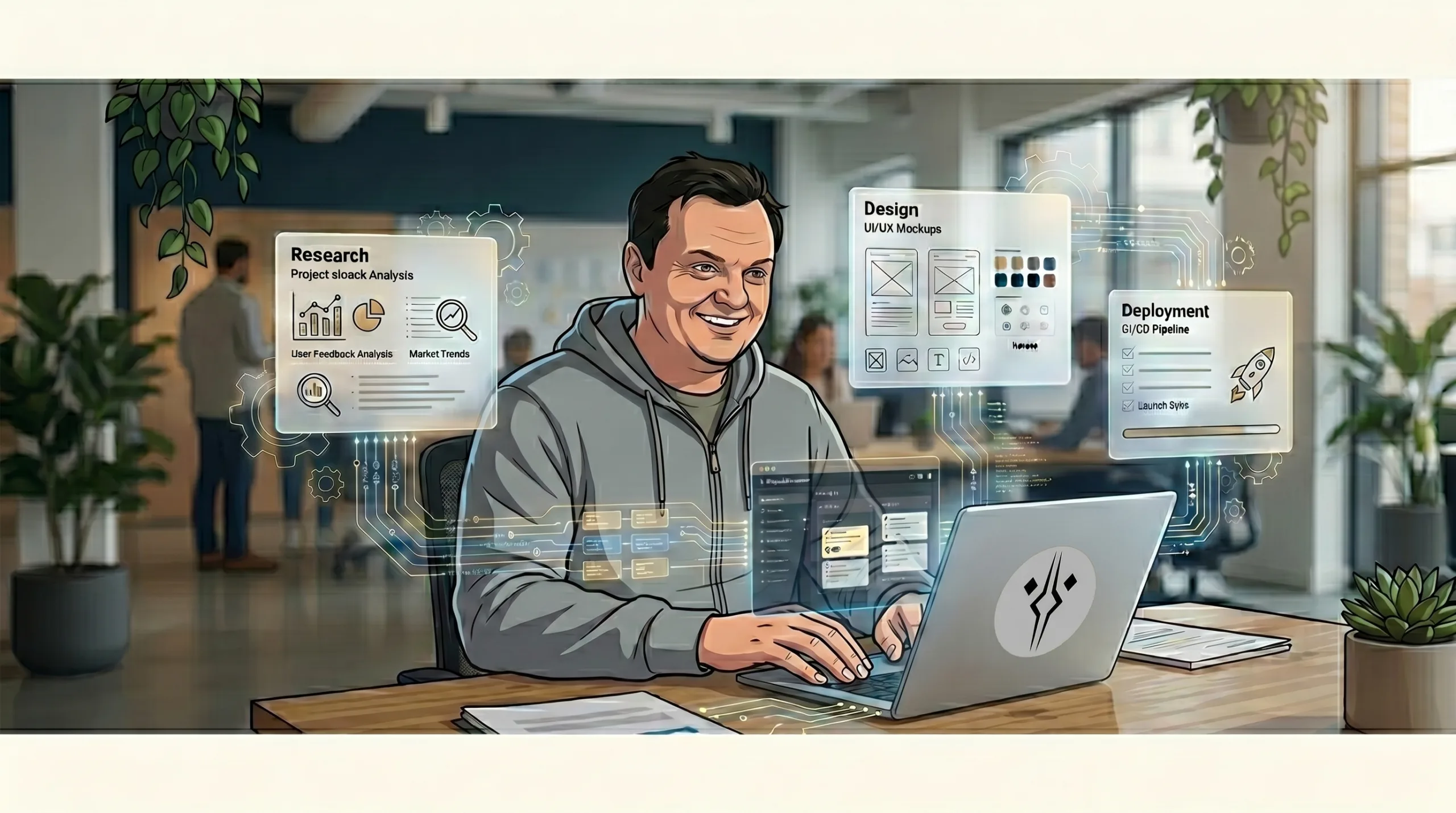
Where AI concretely contributes to my workflow today can be seen in every one of the phases mentioned above.
We are all witnesses to the fact that AI is used for more or less everything now: wedding vows, screenplays, copy, and so on. So very often, the project documentation we receive today has a clearly visible AI structure.
And that is certainly not a bad thing. AI is often very precise and clear, and already in this phase I can use AI to filter longer documentation or meeting summaries, so I can immediately get ready directions and move on to the next phase…
Design. 🙂
Yes, design, because one very X-factor phase – searching for inspiration – can now either be skipped or reduced to a much smaller level. And those were often empty hours of wandering around that you absolutely could not bill.
When it comes to the design phase itself, the palette of AI-based tools is unreal. And again, like before, I will not talk about exact timeframes here, but I will make direct comparisons.
Using adequate models, properly defined agents, skills, MCPs, and similar things, the design phase can be pushed almost to the level of a final product.
The question is whether the designer, as such, still makes sense in this process. I would say yes, absolutely.
I am still the one who has a vision. I am still the one giving concrete directions, defining the details, and using the tool in a way that gets it from point A to point B, the point I had in mind.
A design prepared like that can be converted into Figma and then adjusted nicely according to the needs of the project, if that is ever even necessary.
Development is certainly a phase where I am a bit more careful, because this is where that prepared design becomes an actual digital product.
So yes, it is absolutely possible to completely blindly vibe-code an entire website. But if you are delivering that product to a client, then you have to stand behind that work.
That means that the level of quality of what you deliver, even if you used some AI tool while creating it, must at minimum be on the same level of quality I could deliver if I wrote the code myself, line by line.
If it is better than that, great, that is a bonus. But the level of performance should never be worse.
So, if I would manually write a WordPress function at a certain level of quality, the AI-created function has to be at least at that same level. If it is shorter, cleaner, or better – great. But it must not be worse just because the tool produced it faster.
But again, that is another topic.
In this context, the important part is how it affects my concrete development workflow.
What I do is segment the work into tasks, with clearly defined requirements – from formatting rules to output format – and give those to the AI tool, most often with references. Along with, of course, defining other parameters of the tool itself: agent, skills, MCP, and so on.
In that way, you bring AI into a state where it works and thinks in a way that is very similar to how you would do it yourself.
Maybe this method is debatable. Maybe other methods are more efficient. But in this way, I can stand behind what I do and how I use the tool.
A workflow defined like this is not the fastest. And even though I will again avoid exact timeframes, one thing is certain: it is much faster than the old way.
Final Conclusion
At the end of the day, everyone uses AI today. The only question is which exact tools they use, and in what way.
Someone once commented on people getting excited about the release of a new version of a popular model by saying: if the previous version was not good enough for you, the new one will not be good enough either, because the problem is not in the model, but in the way you use it.
And in practice, that is very true.
There are countless tools constantly appearing in this AI marathon. Like a New Year’s market, the offer is colorful, often irresistible, but in practice, applicability and real usable value vary a lot.
Still, overall, they are clearly changing the workflow of today at its very foundation.
