The best internal tools often do not start as product ideas.
They start as a spreadsheet.
Usually something with a name like Ops Tracker FINAL v4.xlsx, living in a shared drive, quietly carrying more responsibility than anyone admitted in the job description. It began as a temporary fix. Then someone added a second tab. Then Finance needed a copy. Then Sales started depending on it. Then Operations stopped asking, “Where is that job?” and started asking, “Did you update the sheet?”
At that point, the spreadsheet stopped being a file.
It became a business process with gridlines.
This is where vibe coding gets interesting for internal work. Not because every spreadsheet deserves to be replaced by a shiny app. Not because AI-generated screens should suddenly run payroll, pricing, approvals, inventory, customer data, and everyone’s blood pressure.
The useful part is more specific.
A rough internal tool can make a hidden workflow visible. It can show where the process already exists, where it depends on one person’s memory, where status gets lost, where data is copied too many times, and where the business has been asking a spreadsheet to behave like software.
The spreadsheet is not the enemy. It is the receipt.
internal tools rule – rtw 2026
The file is doing work
The rules live in people
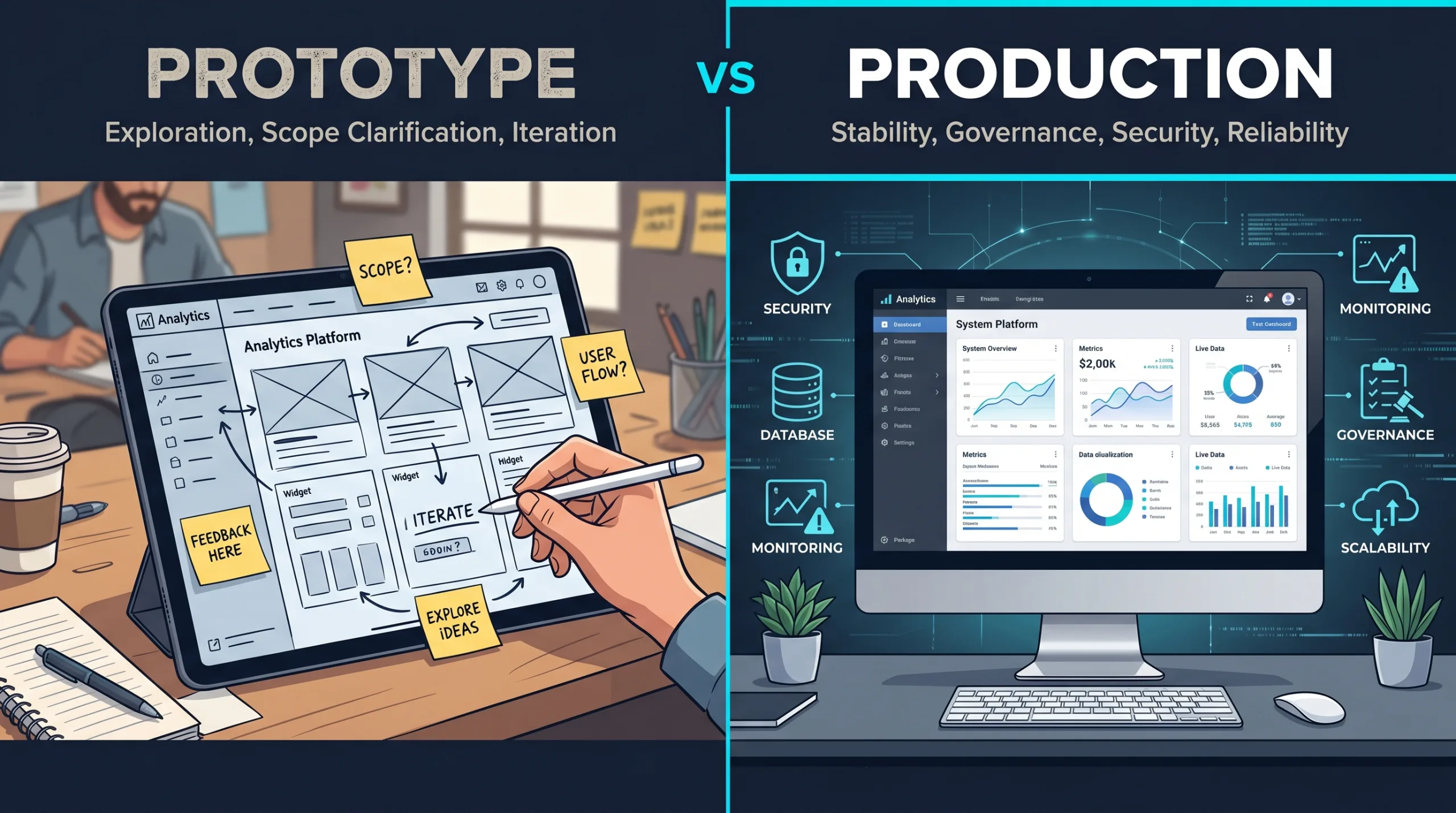
Prototype the workflow first
// the quiet system The Spreadsheet Was Supposed to Be Temporary
Nobody wakes up and says, “Let’s build an unofficial operational system in Excel and make sure only one person understands the formulas.”
That would be alarming. Also, honest.
What usually happens is much more reasonable.
A team needs to track quotes before the CRM is ready. A coordinator needs to know which jobs are scheduled this week. A manager needs a quick approval list. Finance needs a Friday report. HR needs to see who has completed onboarding paperwork. Someone builds a spreadsheet because the spreadsheet is available, flexible, familiar, and does not require a procurement conversation.
That is a perfectly normal starting point.
The problem begins when the temporary fix becomes permanent infrastructure.
A spreadsheet is wonderful when one person is analyzing something, comparing options, cleaning a list, modeling a scenario, or doing work that is narrow, temporary, and low-risk.
It gets more fragile when it becomes the place where the business decides what should happen next.
| Stage | What it looks like | What it really means |
|---|---|---|
| Personal scratchpad | One person uses it to think. | Fine. Leave it alone. Let the spreadsheet have hobbies. |
| Shared tracker | A few people update the same sheet. | The team has a repeated process. |
| Team workflow | Status, owners, dates, and comments appear. | The spreadsheet is coordinating work. |
| Operational dependency | People check it before acting. | The spreadsheet is now part of the business system. |
| Risky source of truth | Nobody knows what happens if it breaks. | It may need governance, integration, or a real internal tool. |
That last jump is the one leaders should notice.
Not because spreadsheets are bad. They are not. Spreadsheets are one of the most useful business tools ever created. They are also very good at accepting responsibility without complaining.
A spreadsheet will let you add customer data, pricing rules, manual approvals, vendor notes, conditional formatting, five hidden tabs, and a formula from 2019 written by someone who now lives in Denver and no longer replies to Teams messages.
It will not ask, “Should we maybe discuss access control?”
That part is still on us.
// evidence Shadow IT Is Not a Scandal. It Is a Symptom.
There is a reason these internal workarounds appear.
Business teams often understand the problem long before the official systems catch up. The people doing the work know where the bottleneck is, which field matters, which customer status causes confusion, and which approval step exists only because someone once got burned in 2021 and nobody wants a sequel.
McKinsey describes this “shadow side” of technology clearly: business understanding often gets translated into digital solutions on low-code or no-code platforms such as Excel, but without IT governance or a structured development process. McKinsey also warns that shadow applications can create hidden dependencies, or “phantom couplings,” when they rely on data from official systems without technology teams knowing about the dependency. McKinsey
That phrase deserves a tiny spotlight.
Phantom coupling is exactly what happens when the spreadsheet looks harmless until someone changes a field name in the CRM and the Friday report quietly turns into modern art.
MIT Sloan points to the same broader movement from a different angle. Citizen developers and citizen automators are growing because functional experts in finance, HR, operations, and other teams can now build apps, automations, and data workflows without traditional programming skills. MIT Sloan’s caution is important too: grassroots development works best when business expertise is paired with IT, risk, and compliance involvement, not when everyone runs into the woods with a license for software and a dream. MIT Sloan
KPMG frames the risk through end-user computing, or EUC: applications owned or operated outside IT governance. Their EUC guidance notes that these tools often complement core business systems, but may lack fundamental data and processing integrity controls. It also calls out Excel spreadsheets as a typical use case when existing tools cannot satisfy business requirements. KPMG
None of this means the person who built the spreadsheet did something wrong.
Usually, they did something useful.
The spreadsheet is often proof that the business had a need before it had a system. It is a prototype that accidentally became essential.
The question is not, “Who allowed this?”
The better question is, “What has this spreadsheet taught us about the real workflow?”
// not a dashboard repeat This Is Not Another Dashboard Conversation
A lot of internal-tool conversations get pulled toward dashboards.
That makes sense. Dashboards are visible. They are easy to imagine. They look good in a meeting. A dashboard says, “Here is the business.” Very tidy. Very executive. Very likely to include a donut chart that nobody asked for but everyone tolerates.
But the spreadsheet problem is often not a dashboard problem.
It is a workflow problem.
A dashboard tells people what happened or what needs attention. A workflow tool helps the team move something from one state to another with fewer dropped balls, fewer private notes, fewer duplicate updates, and fewer moments where someone asks, “Wait, whose job was that?”
That difference matters.
A spreadsheet that tracks quotes is not asking to become a prettier chart. It may be asking for status ownership, CRM sync, revision history, reminders, and a cleaner handoff between sales and finance.
A spreadsheet that tracks jobs is not asking for a revenue graph. It may be asking for a queue, an exception list, crew availability, customer readiness, and one honest meaning for the word “blocked.”
A spreadsheet that produces a weekly report is not asking for a dashboard just because it has numbers. It may be asking for import validation, change control, review steps, and a better way to know which numbers are final.
When one person knows why column H matters, you do not have a system. You have a hostage situation with formulas.
workflow diagnosis – rtw 2026
// decision lens When a Spreadsheet Is a Candidate for an Internal Tool
Not every spreadsheet should become software.
Some spreadsheets should remain spreadsheets. They are happy there. They have snacks.
The candidates worth exploring usually share a few traits.
| Signal | What it may mean |
|---|---|
| The process repeats every week or every day. | It is operational, not occasional. |
| Multiple people update the same file. | Coordination matters. |
| Status drives the next action. | The sheet is managing workflow, not just information. |
| One person understands the logic. | The business has a key-person dependency. |
| Data gets copied from another system. | Integration or import rules may matter. |
| Mistakes create real cost. | Controls, validation, and review steps may be needed. |
| People ask, “Which version is final?” | Source of truth is unclear. |
| Someone manually sends reminders. | The workflow has timing rules. |
| The sheet contains customer, employee, pricing, or financial data. | Access and auditability matter. |
| The business would be disrupted if it disappeared. | It is already infrastructure. |
A good candidate is not simply a spreadsheet people dislike.
A good candidate is a repeated process with owners, statuses, exceptions, and consequences.
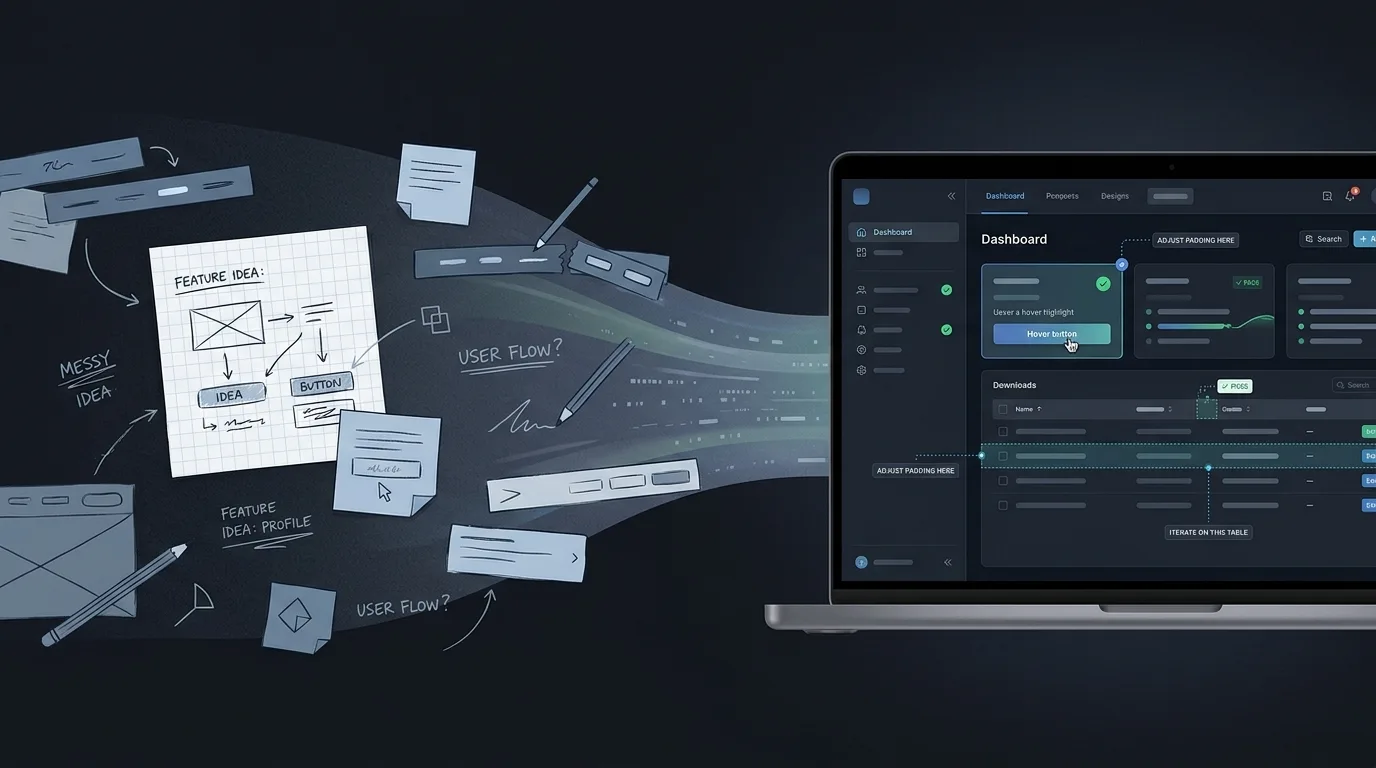
That is why vibe coding can help. A quick internal screen can show the process in a more structured way before the team commits to building the real thing. It lets people react to the shape of the workflow, not just the cells where the workflow has been hiding.
The prototype is not the replacement.
It is the x-ray.
what the prototype should make visible
spreadsheet -> workflow scope- States. What can this item be: draft, sent, blocked, approved, final?
- Owners. Who is responsible for the next action at each stage?
- Exceptions. Why does work stop, and who unblocks it?
- Source of truth. Which system owns the customer, job, quote, or financial data?
- Controls. What needs permissions, audit history, review, or rollback?
// example 01 The Quote Follow-Up Sheet
Picture a sales team using a spreadsheet to track quotes.
At first, this was fine. A lead came in. A quote was sent. Someone typed the date. Someone highlighted the row yellow. Yellow meant “follow up soon,” except on one tab where yellow meant “waiting on client,” because history is cruel.
Now the sheet has become important.
It includes customer names, quote amounts, expiration dates, service categories, sales reps, notes, discounts, financing flags, and a column called Next Step that currently contains seventeen different writing styles and one passive-aggressive question mark.
A vibe-coded internal screen can make the process visible quickly.
Not production-ready. Not connected to every system. Not trusted with live pricing rules yet.
Just visible.
| Status | Business question it reveals |
|---|---|
| Draft | Who can create or edit a quote? |
| Sent | Where does the sent date come from? |
| Viewed | Does the system know this, or is someone guessing? |
| Needs revision | Who owns the revision and how is the old version preserved? |
| Waiting on finance approval | What requires approval and what is automatically allowed? |
| Expiring soon | When should a reminder be sent, and to whom? |
| Won / lost | Does this sync back to CRM, accounting, or reporting? |
Now the team can see the real project.
It is not “make the spreadsheet prettier.”
It is source of truth, permissions, reminders, revision history, CRM connection, approval rules, and follow-up ownership.
That is a much better conversation.
Because the pain was never really the grid. The pain was that the quote had no reliable place to live between “sent” and “decided.”
The spreadsheet was doing its best. It was wearing too many hats, but so are most people in a growing business.
// example 02 The Job Scheduling Sheet
Operations spreadsheets have a special kind of suspense.
They contain enough color coding to suggest a system, but not always enough clarity to prevent six people from interpreting the system differently.
A job scheduling sheet may include job date, customer, crew, service area, materials, readiness, access notes, payment status, customer confirmation, internal comments, and a column called Blocked.
The word “blocked” is where the ghosts live.
Blocked because the customer has not confirmed?
Blocked because parts are missing?
Blocked because the crew is unavailable?
Blocked because someone needs a permit?
Blocked because nobody knows, but the row looked lonely?
A rough internal tool prototype can separate those meanings.
| Exception | Owner | Next action |
|---|---|---|
| Missing customer info | Customer support | Call or send intake form. |
| Crew not assigned | Operations manager | Assign crew or move date. |
| Material not ready | Procurement | Confirm purchase order or vendor ETA. |
| Payment issue | Finance | Verify deposit or billing hold. |
| Customer not confirmed | Scheduling | Send reminder and escalate after 24 hours. |
This is where the prototype becomes useful.
It does not just show jobs. It shows why jobs stop moving.
And that is usually where the money is hiding.
A job that sits for three days because nobody owns the next step is not a “visibility issue.” It is a workflow design issue. The spreadsheet may show the row. It may not create accountability.
A proper internal tool may not need to be large. It might start as a job queue with statuses, owners, due dates, and exception categories. It might send reminders. It might sync a few fields from the CRM or booking system. It might help staff update customers at the right moment.
Or the prototype may reveal that a new tool is not the first move at all.
Maybe the real fix is a smaller set of job statuses, clearer ownership, and an automated customer update before anyone builds anything larger.
That is still progress.
A prototype that tells you not to build yet has done a public service.
// example 03 The Friday Finance Report
Every company has some version of the Friday report.
It might not be Friday. It might not be Finance. But there is usually a recurring report that gets assembled from exports, copied into a spreadsheet, adjusted by someone who knows the rules, checked against a number from another system, and sent to leadership with the confidence of a person who has not been interrupted for seventeen minutes.
This report may be harmless.
Or it may be a quiet risk.
Deloitte’s spreadsheet-control guidance recommends maintaining an inventory of in-use spreadsheets, classifying them by risk and complexity, and defining proportionate controls around development, documentation, testing, maintenance, and assurance. Deloitte
That may sound like enterprise governance language, because it is.
But the practical version is simple: know which spreadsheets matter, who owns them, what they influence, and what happens if they are wrong.
A vibe-coded prototype for a recurring report might show a different shape:
That is not just automation.
It is a control path.
The business may still keep some manual review. In fact, it probably should. Not every human step is waste. Some human steps are judgment, compliance, or sanity checking wearing a cardigan.
The point is to separate the work that should be automatic from the work that should remain deliberate.
A prototype can help make that distinction visible.
It can show that the risky part is not the chart at the end. The risky part is the copy-paste before the chart, the manual adjustment nobody logs, the formula nobody tests, or the source export that changed format last month and decided not to announce itself.
The internet has a long spreadsheet blooper reel for a reason. The Guardian’s roundup includes cases where spreadsheet mistakes were linked to nearly 16,000 COVID cases going unreported in England, more than $1 billion in Fannie Mae accounting errors, and risk-model issues connected to JPMorgan’s “London Whale” trading loss. The Guardian
Most internal spreadsheets will never create that level of drama.
Thankfully.
But the pattern is still relevant: when spreadsheets carry operational or financial decisions, small errors can become very expensive adults.

The rough screen should reveal the real rules.
// what vibe coding adds The Prototype Should Reveal Rules, Not Just Screens
A weak internal-tool prototype says, “Look, we made an app version of the sheet.”
That can be cute.
A strong prototype says, “Here are the states, owners, rules, exceptions, and handoffs that the sheet has been hiding.”
That is more useful.
The first draft does not need perfect styling. It does not need live integrations. It does not need the final database schema, permission model, or notification system.
It does need to expose the right questions.
| Hidden work | Question the prototype should force |
|---|---|
| Status rules | What states can this item be in, and who can change them? |
| Ownership | Who is responsible for the next action at each stage? |
| Source of truth | Which system is authoritative for customer, job, quote, or financial data? |
| Permissions | Who can view, edit, approve, export, or delete information? |
| Exceptions | What happens when the normal path fails? |
| Notifications | Who needs to know, when, and through which channel? |
| Audit trail | What changes need to be recorded? |
| Reporting | Which metrics come from the workflow itself, not from manual cleanup later? |
| Integrations | What must connect to CRM, accounting, email, booking, inventory, or file storage? |
| Support | Who maintains the tool after the exciting prototype moment is over? |
This is why internal tools are such a good fit for early AI-assisted prototyping.
The rough version can be fake enough to be safe but real enough to argue with.
Sales can say, “That is not how approval works.”
Operations can say, “We need a separate reason for blocked jobs.”
Finance can say, “Please do not let anyone edit that number without logging it.”
Leadership can say, “Now I understand why the weekly report takes half a day.”
Good. Now we are no longer debating an abstract process. We are looking at the thing.
And the thing is finally being honest back.
// internal does not mean harmless Internal Tools Still Touch Real Risk
There is a common temptation with internal tools:
“It is only for staff.”
That sentence has sent many projects into the bushes.
Internal does not mean low-risk. Internal tools often touch the most sensitive parts of the business: customer records, pricing, employee information, vendor documents, financial exports, operational decisions, approvals, and notes that were absolutely not written with future discovery in mind.
So the vibe-coded version should be treated as exploration until it has been reviewed properly.
Before an internal prototype becomes a real tool, it needs answers to boring questions like:
I know. This is less glamorous than “we built an internal app in an afternoon.”
It is also the part that keeps the afternoon from becoming a multi-month cleanup project with calendar invites named “alignment.”
McKinsey’s point about shadow applications creating risk is relevant here: the danger is not that business teams try to solve problems. The danger is that critical dependencies form without governance, testing, security review, or a plan for what happens when the surrounding systems change. McKinsey
Vibe coding can help expose the workflow.
It should not quietly become the workflow without adult supervision.
Follow-up stops being memory
- sent date
- expiration window
- revision owner
- finance approval
- CRM sync question
Blocked gets a reason
- missing customer info
- crew not assigned
- material not ready
- payment issue
- confirmation overdue
Numbers get a control path
- import source data
- flag exceptions
- review manual changes
- approve final version
- preserve history
// useful targets Five Internal Tool Experiments Worth Prototyping
The best candidates are narrow enough to understand, painful enough to matter, and repetitive enough that the business already has a pattern.
Not “replace the whole back office.”
That phrase should be placed gently in a drawer until it learns manners.
Start with something visible.
// detail Quote follow-up queue
Question: Where do quotes stall, who owns the next action, and which reminders or approvals should be structured?
Good for: sales teams, service companies, B2B quoting, custom proposals.
Watch out for: pricing rules, discounts, revision history, CRM sync, and customer promises.
// detail Job status and exception board
Question: Which jobs are blocked today, why, and who owns the unblock?
Good for: operations-heavy teams, scheduling, field services, installation, fulfillment.
Watch out for: vague statuses, missing owners, stale data, and customer-facing updates based on internal guesses.
// detail Approval queue
Question: Which decisions are waiting, what information is missing, and who has authority to approve?
Good for: purchase orders, discounts, refunds, vendor requests, content approvals, hiring steps.
Watch out for: approval rules that live in people’s heads and exceptions that quietly become policy.
// detail Recurring report review flow
Question: Which parts of the report can be automated, and which need human review before publishing?
Good for: finance reporting, weekly operations summaries, inventory checks, sales pipeline reviews.
Watch out for: import changes, manual adjustments, unlogged edits, and “final” files that reproduce like rabbits.
// detail Onboarding or document checklist
Question: Which people, vendors, or customers are missing required steps, files, signatures, or approvals?
Good for: employee onboarding, vendor setup, client intake, compliance-heavy services.
Watch out for: sensitive documents, retention rules, permissions, and reminders that become annoying instead of useful.
// prototype shape Build the Smallest Visible Workflow
For internal tools, the first prototype should usually be smaller than the team wants.
This is not because ambition is bad.
It is because internal workflows are sneaky. They look simple until the prototype asks one innocent question like, “Who can change this status?” and suddenly four departments are explaining history.
A good first version might include:
| Include | Avoid at first |
|---|---|
| One workflow. | Every workflow in the department. |
| Fake or sample data. | Live sensitive data before review. |
| Clear statuses. | Free-text chaos disguised as flexibility. |
| Named owners. | “Someone will handle it.” |
| Exception categories. | One giant “Other” bucket. |
| Basic role differences. | Everyone edits everything. |
| One or two useful notifications. | Notification confetti. |
| A clear pilot question. | “Let’s just see what happens.” |
The prototype should not try to be impressive.
It should try to be clarifying.
That is the quiet discipline behind good internal tools. They are not glamorous. They do not need to be. Nobody has ever said, “This approval queue changed my soul,” and frankly, that is healthy.
But a good internal tool can save hours, prevent mistakes, reduce status meetings, make ownership visible, and help the team stop relying on private memory as a system architecture.
Private memory is not a system architecture.
It is just a person getting tired.
// what to keep Sometimes the Spreadsheet Should Stay
There is another reason to prototype before building: sometimes the right answer is to improve the spreadsheet, not replace it.
That is allowed.
A spreadsheet might remain the right tool when:
In those cases, a better spreadsheet template, clearer naming, locked formulas, a documented owner, or a simple automation may be enough.
Not every nail needs a platform.
But when the process has multiple owners, status changes, approvals, reminders, data imports, customer impact, or real operational risk, the spreadsheet may be telling you something.
It may be saying, politely, “I was never meant to do all this.”
And because spreadsheets are too professional to complain, they say it through duplicate files, stale rows, mysterious formulas, and the occasional number that makes everyone suddenly very awake.
// the agency role Where a Technical Partner Changes the Outcome
This is where working with a digital partner is different from simply generating a screen.
A vibe-coded prototype can show the rough shape. It can help the team react faster. It can reveal that the quote sheet is really an approval process, or that the job tracker is really an exception-management system, or that the Friday report is really a control workflow with a chart at the end.
But the next question is not only, “Can we build this?”
The better question is, “What would make this safe and useful enough for staff to rely on?”
That involves choices the prototype cannot make on its own:
At Reston Tech Wiz, this is often where the internal-tool conversation becomes more valuable. The goal is not to shame the spreadsheet. The goal is to understand what the spreadsheet has been carrying and decide whether the business now needs a more durable shape.
Sometimes that means a small internal app.
Sometimes it means improving a CRM workflow.
Sometimes it means a staff-facing queue connected to existing systems.
Sometimes it means a better report review path.
Sometimes it means leaving the spreadsheet in place, but giving it a safer fence.
The right answer depends on the workflow, the risk, and the cost of getting it wrong.
// decision The Spreadsheet Already Proved the Process Exists
Internal tools are not valuable because they are custom.
They are valuable when they support a real repeated process better than the current workaround.
That is why spreadsheets are such good clues. They show where the business already needed structure badly enough that someone built it manually.
A rough AI-assisted prototype can take that clue and make it visible. It can turn a messy tracker into a workflow conversation. It can show where status matters, where ownership is missing, where data should come from, where reminders would help, where review is required, and where the company has accidentally depended on one person’s memory for too long.
This is not about replacing every spreadsheet.
Please do not declare war on Excel. Excel has seen things.
It is about noticing when a spreadsheet has crossed the line from helpful tool to unofficial operating system.
That is where vibe coding can help: not by finishing the system, but by making the hidden work visible enough to scope properly.
The best internal tools do not start because someone hates spreadsheets. They start because the spreadsheet proved the process exists.
closing thesis – rtw 2026
// next step Next Step
Have a quote tracker, operations sheet, approval list, onboarding checklist, or weekly report that has quietly become too important to remain invisible? Reston Tech Wiz can help turn the workflow into a focused prototype, identify what deserves a real internal tool, and build the parts your team can actually depend on.
| Source | Used for |
|---|---|
| Reston Tech Wiz — Vibe Coding Beyond the Demo | Series continuity: vibe coding as a way to make ideas visible earlier, while separating rough prototypes from production systems. |
| Reston Tech Wiz — Vibe Coding and SMB Scope | Series continuity: prototypes help expose the real project behind vague requests; EP4 extends that idea into internal workflows rather than dashboards. |
| McKinsey — Low-code/no-code: A way to transform shadow IT into a next-gen technology asset | Shadow IT, Excel as a low-code/no-code business tool, governance risk, hidden dependencies, and the role of IT partnership. |
| MIT Sloan — Why companies are turning to citizen developers | Citizen developers, citizen automators, functional experts building workflow tools, and the need to keep technology leadership involved. |
| MIT Sloan — How AI-empowered citizen developers help drive digital transformation | Front-line employees creating apps, automated workflows, and data analyses; useful framing for internal tool opportunities. |
| KPMG — Managing Risk of End User Computing (EUC) | EUC definition, Excel as a typical end-user computing use case, operational efficiency, access/change controls, and data integrity risks. |
| Deloitte — Spreadsheet Controls | Spreadsheet lifecycle management, inventory, risk classification, documentation, testing, maintenance, and assurance. |
| The Guardian — Microsoft Excel’s bloopers reel | Real-world cautionary examples of spreadsheet errors in public reporting, accounting, and financial-risk contexts. |